
For small construction operators
Estimates, scheduling, and invoices for small construction work
Bid concrete, framing, and small builds with clean line-item PDFs, block out the days, and invoice when the work is done — from your iPhone or iPad.
For iPhone and iPad. No account required.
Estimates, jobs, and invoices for construction services
Bids that look like you mean business
Your estimate is often the first thing a client sees. Revenuor puts your logo and business details on a clean, itemized PDF — the kind of bid that wins against a number scribbled on a card.
Square-foot and day-rate pricing built in
Quote a slab by the square foot, framing labor at a day rate, and haul-off as a flat fee. Every unit type on one estimate, totaled automatically.
Know what is scheduled and what is owed
The week and month calendar shows the days you have committed, and the follow-up dashboard shows invoices awaiting payment — so cash flow is never a mystery.
How Revenuor fits your workday
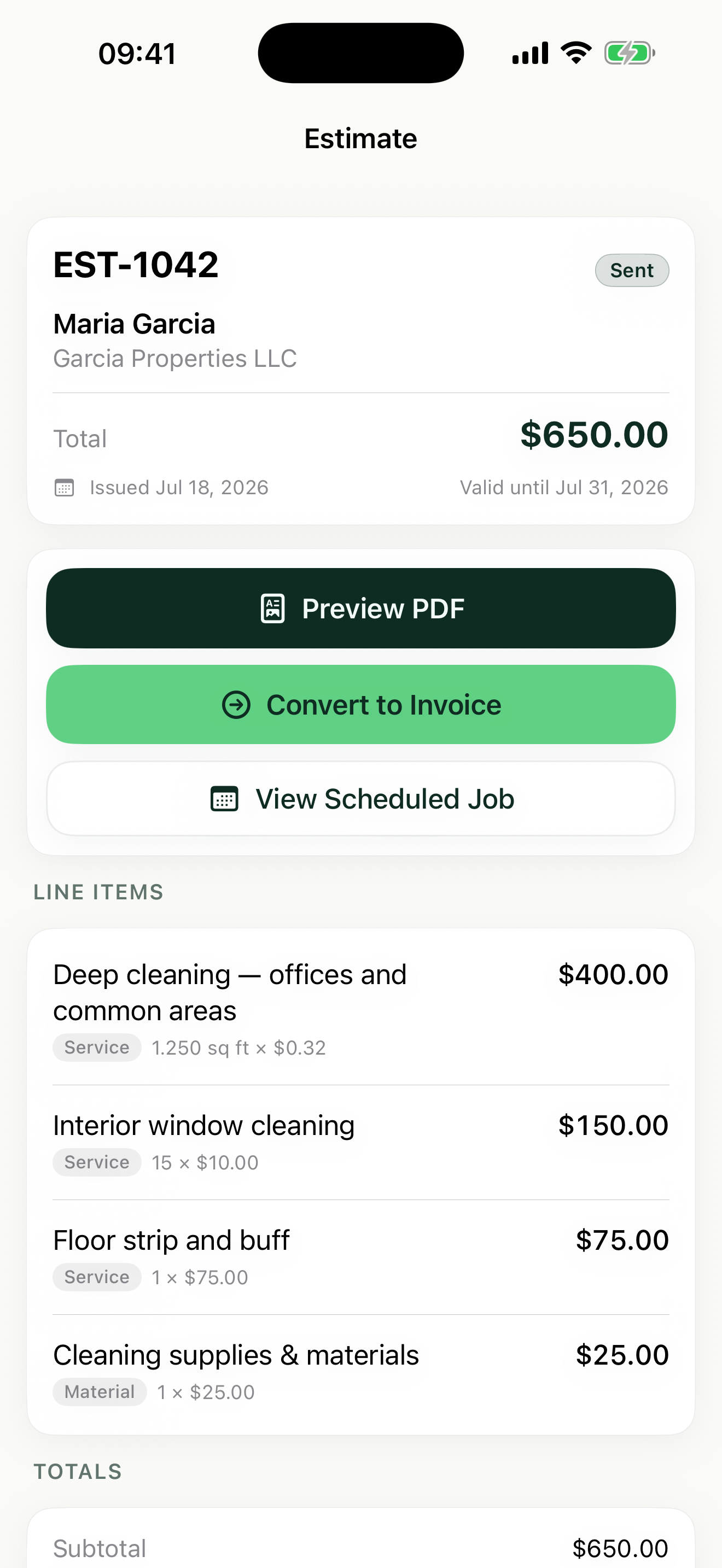
Line-item estimates for every phase
Break a garage build into site prep, slab, framing, and roofing lines with their own prices. Share the PDF from the truck and set an expiration date so the bid does not stay open forever.
Saved line items for standard scopes
Save the scopes you bid again and again — concrete flatwork per square foot, framing day rate, dumpster fee — and pull them into the next bid with a few keystrokes.
Day-by-day scheduling in the month view
Small builds run across weeks. Block out pour days, framing days, and inspection-ready dates in the month view so commitments do not stack up on each other.
Estimate to job to invoice, no retyping
Convert the accepted bid into a scheduled job, then convert the job into an invoice at completion. Mark it paid when the payment lands.
Built for your workday
Common jobs construction services businesses estimate and invoice with Revenuor:
Frequently asked questions
Can I bid by the square foot and by the day on the same estimate?
Yes. Each line item has its own unit — square foot, day rate, flat fee, hourly, linear foot, or a custom unit — and Revenuor calculates the total across all of them.
Do the PDFs look professional enough to win bids?
Yes. Your business logo and details appear on every estimate and invoice PDF, with clean itemized pricing the client can follow line by line.
How do I schedule a job that runs across multiple weeks?
Use the month view to block out the working days and the week view to see the detail. You set the days yourself, so weather delays are a two-tap reschedule.
Can I track bids that have not been answered?
Set an expiration date on each estimate and the follow-up dashboard shows which ones are about to expire — your cue to call the client before the bid goes cold.
Does Revenuor work on iPhone and iPad?
Yes. Revenuor is a native app for iPhone and iPad, so you can write bids on site and review the schedule on a bigger screen at home.
Do I need an account to use it?
No. There is no sign-up and no login. Download the app and create your first estimate right away — your data is stored locally on your device.
Send a better construction services estimate today
Download Revenuor for iPhone and iPad. No account, no setup — your first professional estimate is minutes away.
Download on the App StoreExplore more industries
Residential Cleaning
Quote deep cleans and move-outs, schedule your week, and invoice from your phone.
Janitorial Services
Estimate office cleaning and floor care, keep job notes per location, and invoice after each service.
Handyman Services
Quote repairs on the spot with labor and materials as separate line items.
Painting
Estimate rooms by square footage, split labor and materials, and invoice after the final walkthrough.
Lawn Care
Quote yards by the square foot, schedule mowing weeks, and invoice from the truck.
Pressure Washing
Price driveways and siding by square footage and send the invoice the same day.