
For independent handymen
Quote it in the driveway, invoice it before you drive off
Build the estimate while you are standing in front of the job, schedule it, and send a professional invoice when the last screw is in — all from your iPhone or iPad.
For iPhone and iPad. No account required.
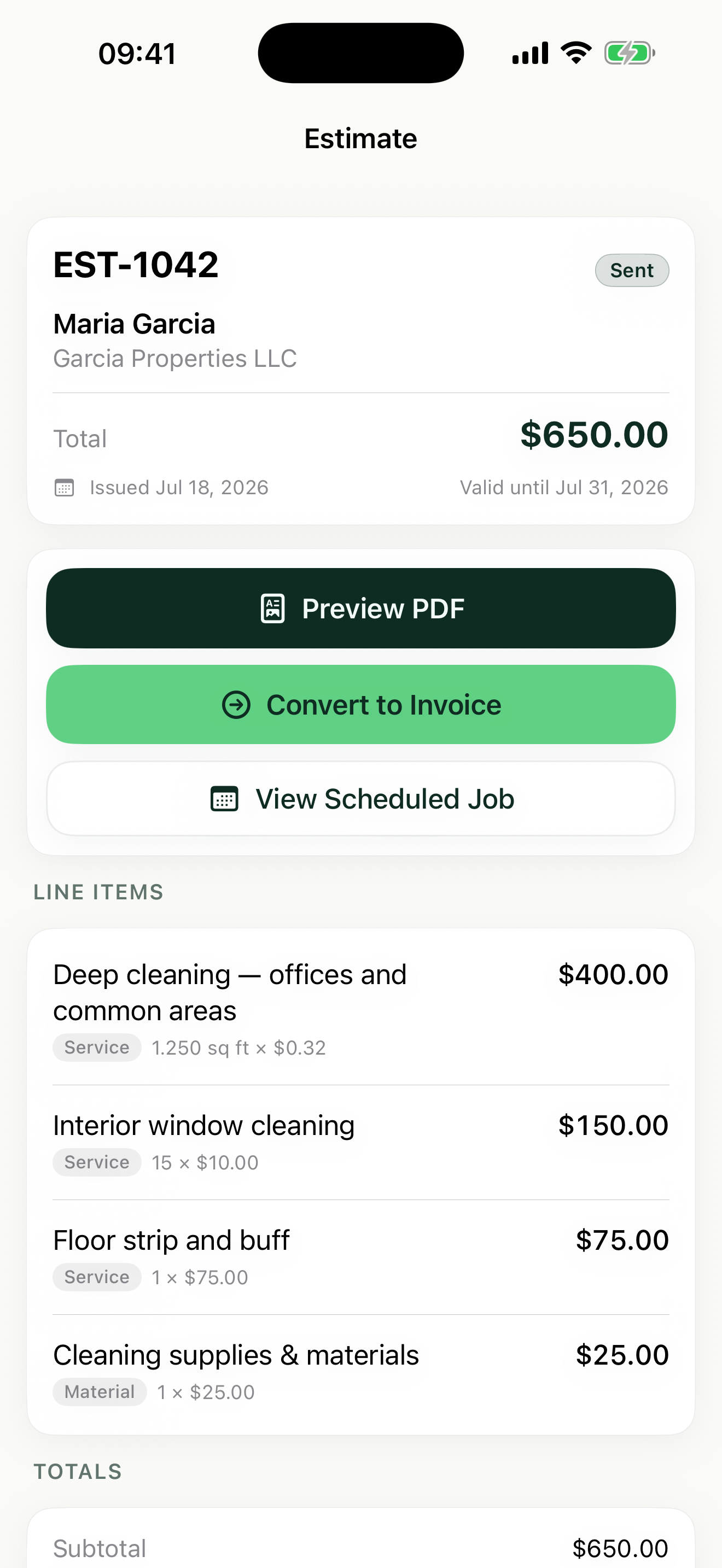
Estimates, jobs, and invoices for handyman services
Quote on the spot, not tonight at the kitchen table
Walk the punch list with the homeowner, add each task as a line item, and hand over a professional PDF estimate before you leave the driveway.
Materials and labor, clearly separated
List the TV mount, anchors, and lumber as their own line items, then add your labor by the hour. Clients see exactly what they are paying for.
Keep your jobs from stacking up on the same morning
Every scheduled job sits in a week or month calendar view. Know what is booked tomorrow before you say yes to one more "quick" repair.
How Revenuor fits your workday
Line-item suggestions as you type
Save your common tasks — TV mounting, furniture assembly, drywall patching — and Revenuor suggests them as you type, so a five-item punch list takes a minute to quote.
Hourly, per-item, and flat-rate pricing
Charge labor by the hour, mounting per item, and small jobs at a flat rate — mixed on one estimate. Totals and per-line tax are calculated for you.
Estimate to job to invoice in taps
When the homeowner says yes, convert the estimate into a scheduled job. When the work is done, convert the job into an invoice — nothing gets retyped.
Repeat clients, remembered
Store client details and see their recent activity. When the same homeowner calls back in spring, you know what you did and what you charged last time.
Built for your workday
Common jobs handyman services businesses estimate and invoice with Revenuor:
Frequently asked questions
Can I separate materials from labor on the invoice?
Yes. Add materials as their own line items with per-item pricing and your labor as hourly line items. The client sees a clean breakdown, and each line can carry its own tax.
What if the client adds tasks while I am there?
Add new line items to the estimate on the spot and share the updated PDF. Once approved, convert it into a scheduled job with everything included.
Can I invoice a small job without doing an estimate first?
Yes. For quick repairs, create the invoice directly — no estimate or scheduled job required. Share the PDF and mark it paid when the client pays.
Does Revenuor work on iPhone and iPad?
Yes. It is a native app for both. Quote from the driveway on your phone, plan the week on the iPad in the evening.
Do I need an account or subscription to get started?
No account, no login, no sign-up. Download the app and build your first estimate immediately — your data is stored locally on your device.
Will my paperwork look professional?
Yes. Add your business name and logo once, and every estimate and invoice PDF carries them. It reads like it came from an office, not the truck.
Send a better handyman services estimate today
Download Revenuor for iPhone and iPad. No account, no setup — your first professional estimate is minutes away.
Download on the App StoreExplore more industries
Residential Cleaning
Quote deep cleans and move-outs, schedule your week, and invoice from your phone.
Janitorial Services
Estimate office cleaning and floor care, keep job notes per location, and invoice after each service.
Painting
Estimate rooms by square footage, split labor and materials, and invoice after the final walkthrough.
Lawn Care
Quote yards by the square foot, schedule mowing weeks, and invoice from the truck.
Pressure Washing
Price driveways and siding by square footage and send the invoice the same day.
Mobile Detailing
Save detailing packages as line items, schedule stops, and invoice on the spot.