
For solo painters and small painting outfits
Estimates, scheduling, and invoices for your painting business
Measure the walls, quote labor and materials as separate lines, schedule the job, and invoice after the final walkthrough — from your iPhone or iPad.
For iPhone and iPad. No account required.
Estimates, jobs, and invoices for painting
Quote walls by the square foot
Measure the room, enter the square footage and your rate per coat, and the estimate totals itself. Price trim by the linear foot and ceilings as their own line so the client sees exactly what each part costs.
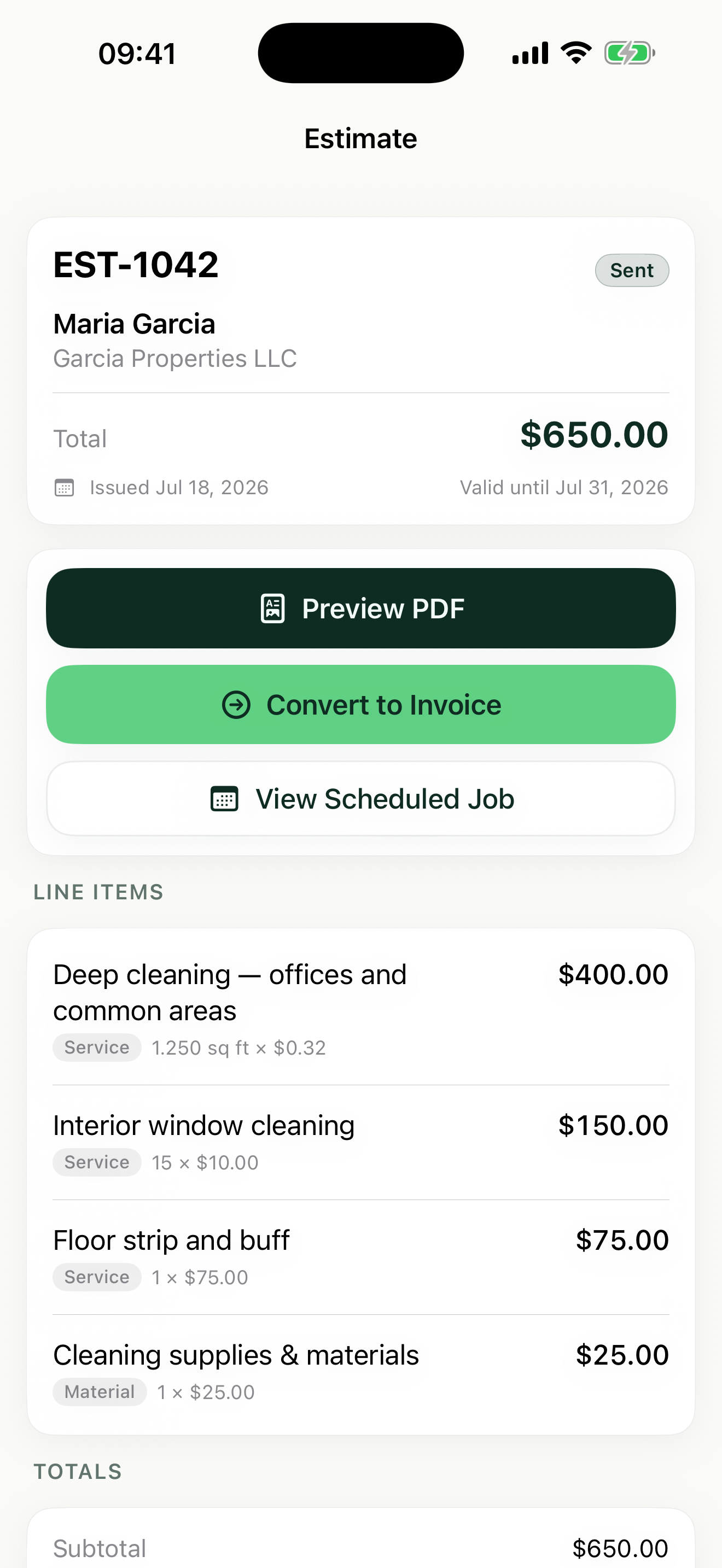
Labor and materials as separate line items
List paint, primer, and sundries on their own lines with per-line tax, and keep labor separate. Clients approve estimates faster when they can see where every dollar goes.
Get approval before you open a can
Share a professional PDF estimate with your logo on it and set an expiration date. Once the client agrees, convert the estimate straight into a scheduled job.
How Revenuor fits your workday
Estimates built room by room
Add a line for each room — walls, ceiling, trim, doors — so an interior repaint reads clearly instead of one lump sum. Share the PDF before you leave the walkthrough.
Saved line items for your standard rates
Save your rates once: walls per square foot, trim per linear foot, a flat rate for an accent wall. Revenuor suggests them as you type, so every estimate is priced consistently.
Week and month views for multi-day jobs
An exterior repaint can take three or four days. Schedule each day in the week view so prep, paint, and touch-up days do not collide with your next job.
Invoice after the final walkthrough
When the client signs off, convert the job to an invoice, share the PDF on the spot, and mark it paid when the check clears. Overdue invoices show up on your follow-up dashboard.
Built for your workday
Common jobs painting businesses estimate and invoice with Revenuor:
Frequently asked questions
Can I separate labor and materials on an estimate?
Yes. Add paint, primer, and supplies as their own line items — with tax applied per line where needed — and keep your labor as separate lines. The client sees a clear breakdown, and totals are calculated automatically.
Can I price by square footage?
Yes. Revenuor supports square foot pricing for walls and ceilings, linear foot for trim, hourly for prep work, and flat rates for fixed-scope items like an accent wall.
What happens after a client approves an estimate?
Convert the estimate into a scheduled job, pick the dates in the week or month view, and when the work is done, convert the job into an invoice — no retyping.
Do estimates expire?
You can set an expiration date on any estimate, and the app tracks expiring estimates on your follow-up dashboard so you know when to check back with the client.
Does Revenuor work on iPhone and iPad?
Yes. Revenuor is a native app for iPhone and iPad — quote at the walkthrough on your phone, review your week on the iPad at home.
Do I need an account to use it?
No. There is no sign-up and no login. Download the app and create your first estimate right away — your data is stored locally on your device.
Send a better painting estimate today
Download Revenuor for iPhone and iPad. No account, no setup — your first professional estimate is minutes away.
Download on the App StoreExplore more industries
Residential Cleaning
Quote deep cleans and move-outs, schedule your week, and invoice from your phone.
Janitorial Services
Estimate office cleaning and floor care, keep job notes per location, and invoice after each service.
Handyman Services
Quote repairs on the spot with labor and materials as separate line items.
Lawn Care
Quote yards by the square foot, schedule mowing weeks, and invoice from the truck.
Pressure Washing
Price driveways and siding by square footage and send the invoice the same day.
Mobile Detailing
Save detailing packages as line items, schedule stops, and invoice on the spot.