
For solo lawn care operators
Estimates, scheduling, and invoices for your lawn care business
Measure the yard, quote it by the square foot, schedule the cut, and invoice from the truck — all on your iPhone or iPad.
For iPhone and iPad. No account required.
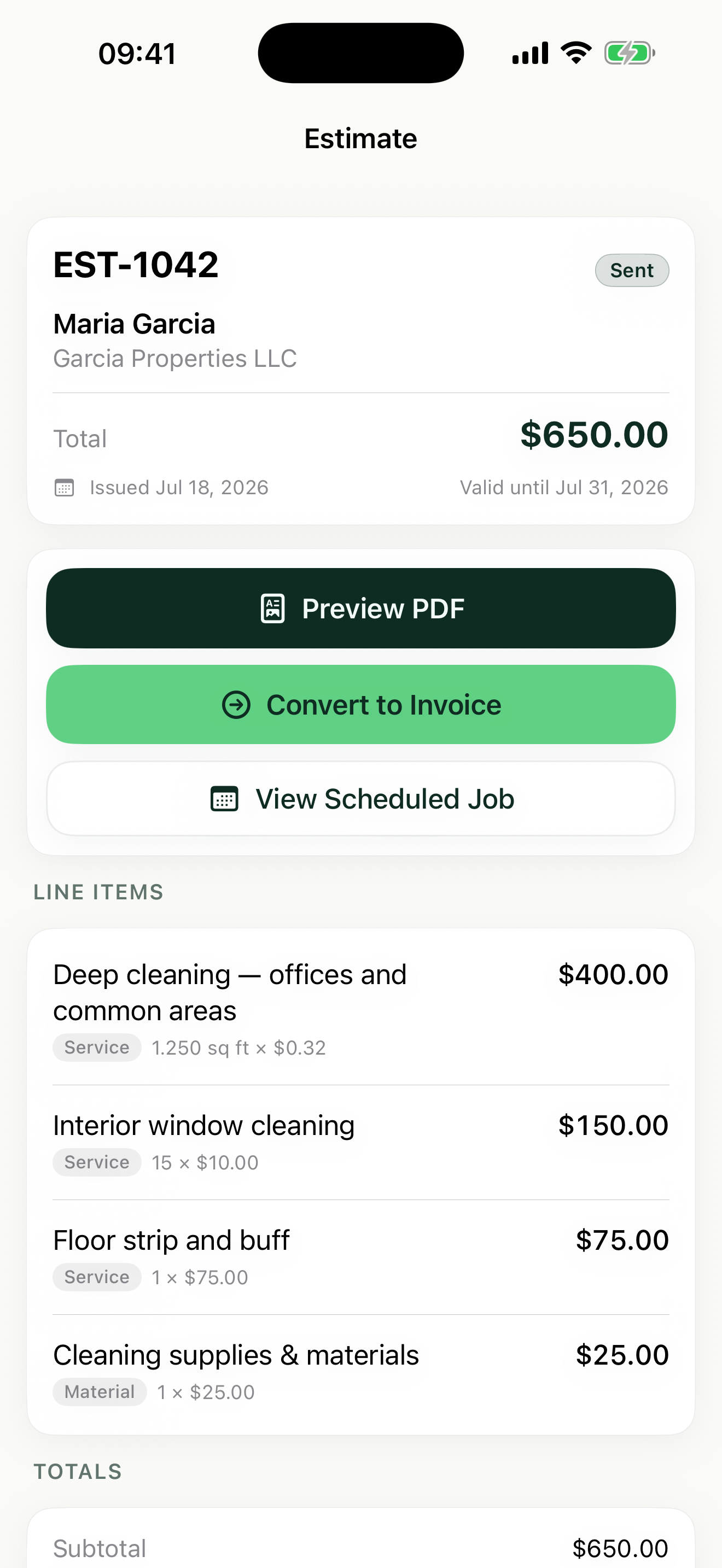
Estimates, jobs, and invoices for lawn care
Quote yards by the square foot or square yard
Price mowing by square foot, mulch by square yard, and hedge trimming by the hour. Enter the quantity and rate — Revenuor calculates the total on every line.
Plan your mowing week in the calendar
Put every weekly customer on the week view so you can see Monday through Friday at a glance. When a spring cleanup comes in, drop it into an open slot without losing track of your regulars.
Invoice before you leave the driveway
Finish the cut, open the job, and turn it into an invoice with your logo and business details on the PDF. Share it from your phone and mark it paid when the money comes in.
How Revenuor fits your workday
Estimates you can build at the curb
Walk the property, add line items for mowing, edging, and cleanup, and share a professional PDF estimate before you drive to the next stop. Set an expiration date so the quote does not sit open all season.
Saved line items for your standard services
Save your usual services — weekly mow, mulch install per square yard, aeration — once. Next time you type a few letters, Revenuor suggests the item with your pricing filled in.
Week and month calendar for repeat customers
Schedule each visit in the week or month view, so your Tuesday route and your Thursday route stay organized. Rain day? Move the job to another day in a couple of taps.
Follow-up dashboard for slow payers
See upcoming jobs, invoices awaiting payment, and overdue invoices in one place. When a customer has not paid for last month's cleanups, you will know before the next cut.
Built for your workday
Common jobs lawn care businesses estimate and invoice with Revenuor:
Frequently asked questions
Can I price lawn jobs by square footage?
Yes. Revenuor supports square foot and square yard pricing on any line item, plus flat rate, hourly, and custom units. Enter the area and your rate, and the total is calculated for you.
How do I handle weekly repeat customers?
Schedule each visit in the week or month calendar view. You stay in control of your route — if rain pushes Tuesday to Wednesday, move the jobs yourself in a couple of taps.
Can I invoice a customer without creating an estimate first?
Yes. For regulars who already know your price, skip the estimate and create an invoice directly, or create a manual job and convert it to an invoice when the work is done.
Does Revenuor work on iPhone and iPad?
Yes. Revenuor is a native app built for iPhone and iPad, so you can quote in the yard and plan your week from home.
Do I need an account to use it?
No. There is no sign-up and no login. Download the app and create your first estimate right away — your data is stored locally on your device.
Will my invoices look professional?
Yes. Add your business logo and details once, and they appear on every estimate and invoice PDF you share.
Send a better lawn care estimate today
Download Revenuor for iPhone and iPad. No account, no setup — your first professional estimate is minutes away.
Download on the App StoreExplore more industries
Residential Cleaning
Quote deep cleans and move-outs, schedule your week, and invoice from your phone.
Janitorial Services
Estimate office cleaning and floor care, keep job notes per location, and invoice after each service.
Handyman Services
Quote repairs on the spot with labor and materials as separate line items.
Painting
Estimate rooms by square footage, split labor and materials, and invoice after the final walkthrough.
Pressure Washing
Price driveways and siding by square footage and send the invoice the same day.
Mobile Detailing
Save detailing packages as line items, schedule stops, and invoice on the spot.