
For independent general contractors
Estimates, scheduling, and invoices for your contracting business
Write clear line-item estimates, schedule the work by the day, and invoice when the job wraps — all from your iPhone or iPad.
For iPhone and iPad. No account required.
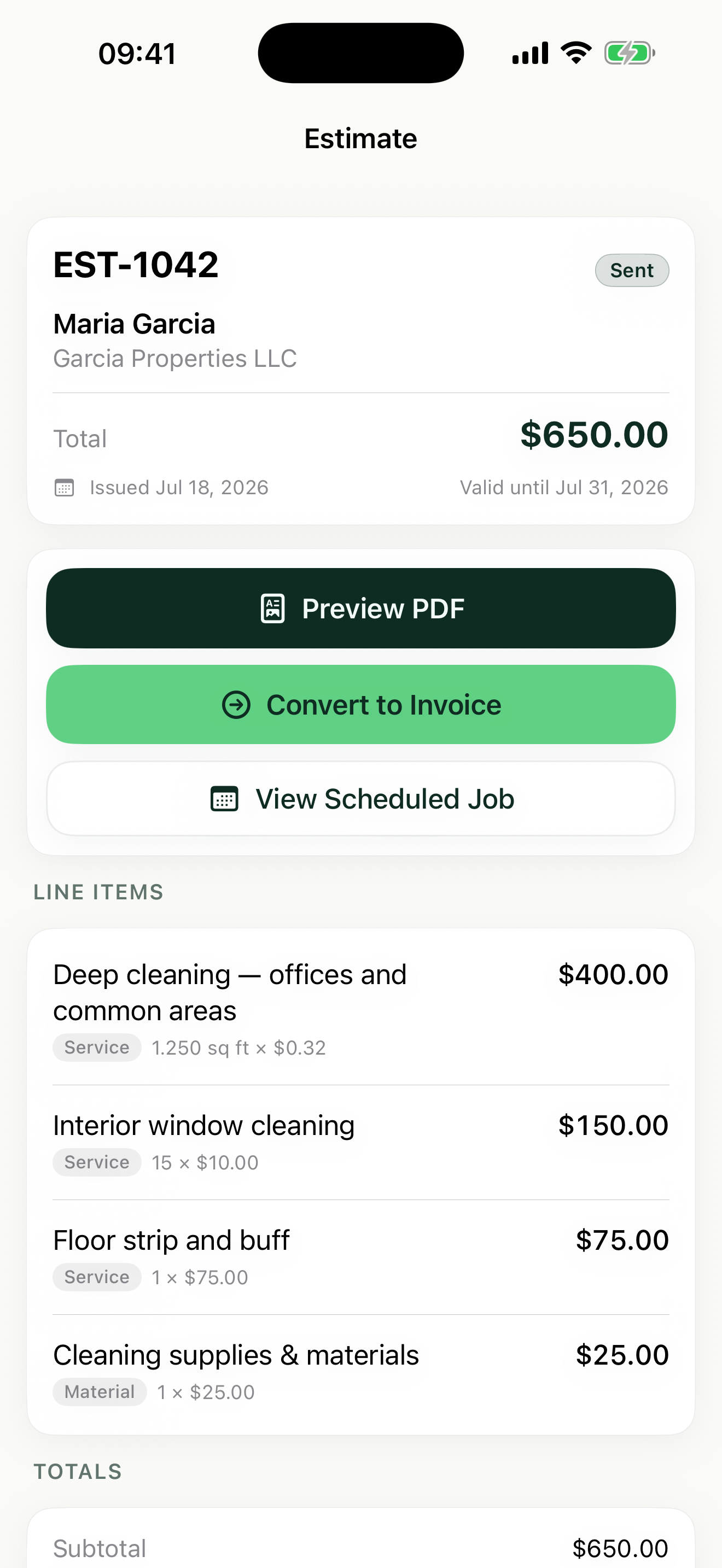
Estimates, jobs, and invoices for general contracting
Estimates clients can actually read
Break a small remodel into line items — demo, framing, drywall, finish work — with a price on each. Homeowners say yes faster when they understand what they are paying for.
Day rates and flat pricing in one quote
Price demo at your day rate, the built-in shelving at a flat rate, and patch work by the hour. Mix units on one estimate and Revenuor totals it all automatically.
One clean path from quote to paid
Convert an approved estimate into a scheduled job, block out the days in the month view, then convert the job into an invoice when the punch list is cleared.
How Revenuor fits your workday
Line-item estimates with your logo on top
Build the estimate on site, itemize the scope, and share a professional PDF with your business logo and details. Set an expiration date so old quotes do not linger.
Saved line items for work you quote often
Save recurring scope items — demo day rate, drywall per square foot, interior door install — and Revenuor suggests them as you type your next estimate.
Month view for multi-day jobs
A bathroom remodel takes a week; a punch list takes an afternoon. Block out days in the month view so overlapping commitments never surprise you.
Follow-up dashboard for open money
Upcoming jobs, invoices awaiting payment, overdue invoices, and expiring estimates in one screen — so nothing you quoted or billed falls through the cracks.
Built for your workday
Common jobs general contracting businesses estimate and invoice with Revenuor:
Frequently asked questions
Can I quote using a day rate?
Yes. Revenuor supports day-rate pricing along with flat rate, hourly, square foot, linear foot, and custom units — and you can mix them on a single estimate.
Can clients see a breakdown instead of one lump sum?
Yes. Each estimate is built from line items with individual prices, so a homeowner sees demo, materials, and finish work itemized on a professional PDF.
What if a client calls me back for extra work after the job?
Create a manual job or go straight to an invoice — you do not have to start from an estimate. Every client's recent activity stays visible on their record.
How do I keep track of who still owes me?
The follow-up dashboard lists invoices awaiting payment and overdue invoices, so you can see open balances before you take on the next job.
Does Revenuor work on iPhone and iPad?
Yes. Revenuor is a native app for iPhone and iPad — write the estimate on your phone at the walkthrough, plan the month on your iPad in the evening.
Do I need an account to use it?
No. There is no sign-up and no login. Download the app and create your first estimate right away — your data is stored locally on your device.
Send a better general contracting estimate today
Download Revenuor for iPhone and iPad. No account, no setup — your first professional estimate is minutes away.
Download on the App StoreExplore more industries
Residential Cleaning
Quote deep cleans and move-outs, schedule your week, and invoice from your phone.
Janitorial Services
Estimate office cleaning and floor care, keep job notes per location, and invoice after each service.
Handyman Services
Quote repairs on the spot with labor and materials as separate line items.
Painting
Estimate rooms by square footage, split labor and materials, and invoice after the final walkthrough.
Lawn Care
Quote yards by the square foot, schedule mowing weeks, and invoice from the truck.
Pressure Washing
Price driveways and siding by square footage and send the invoice the same day.