
For iPhone & iPad
Everything Revenuor does
One app that carries a job from the first estimate to the final payment. Here's the full picture — nothing more, nothing hidden behind a demo call.
Download on the App StoreEstimates
Quote the work before you leave the job site
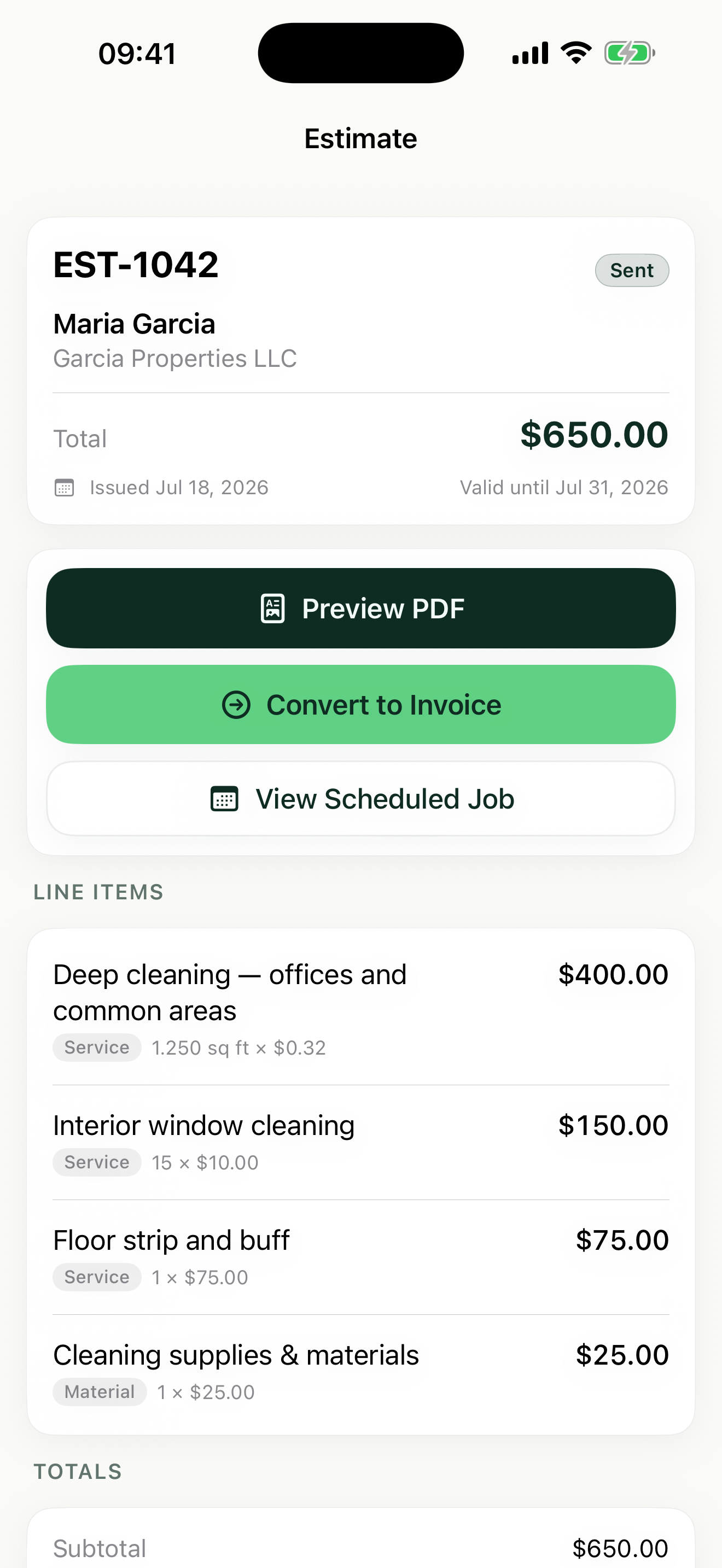
- Build itemized estimates with quantities, units, and rates
- Share a professional PDF by text, email, or any share sheet app
- Set expiration dates — the follow-up screen flags estimates about to expire
- Convert an approved estimate into a scheduled job in one step
Job scheduling
Your week, on one screen
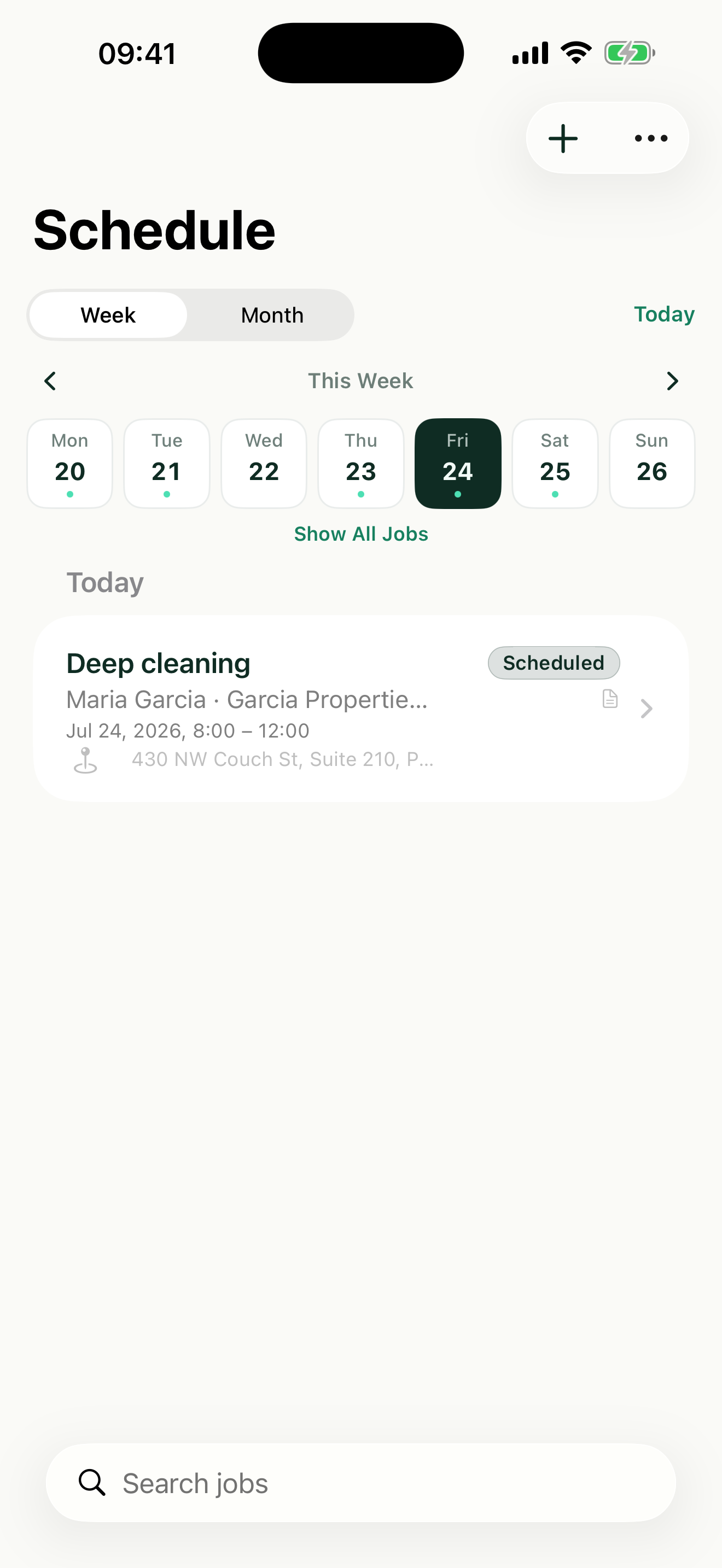
- Week and month calendar views of every booked job
- Create jobs from approved estimates, or add manual jobs directly — no estimate required
- Upcoming jobs surface on the follow-up screen so nothing sneaks up on you
Invoices
From finished job to sent invoice in minutes
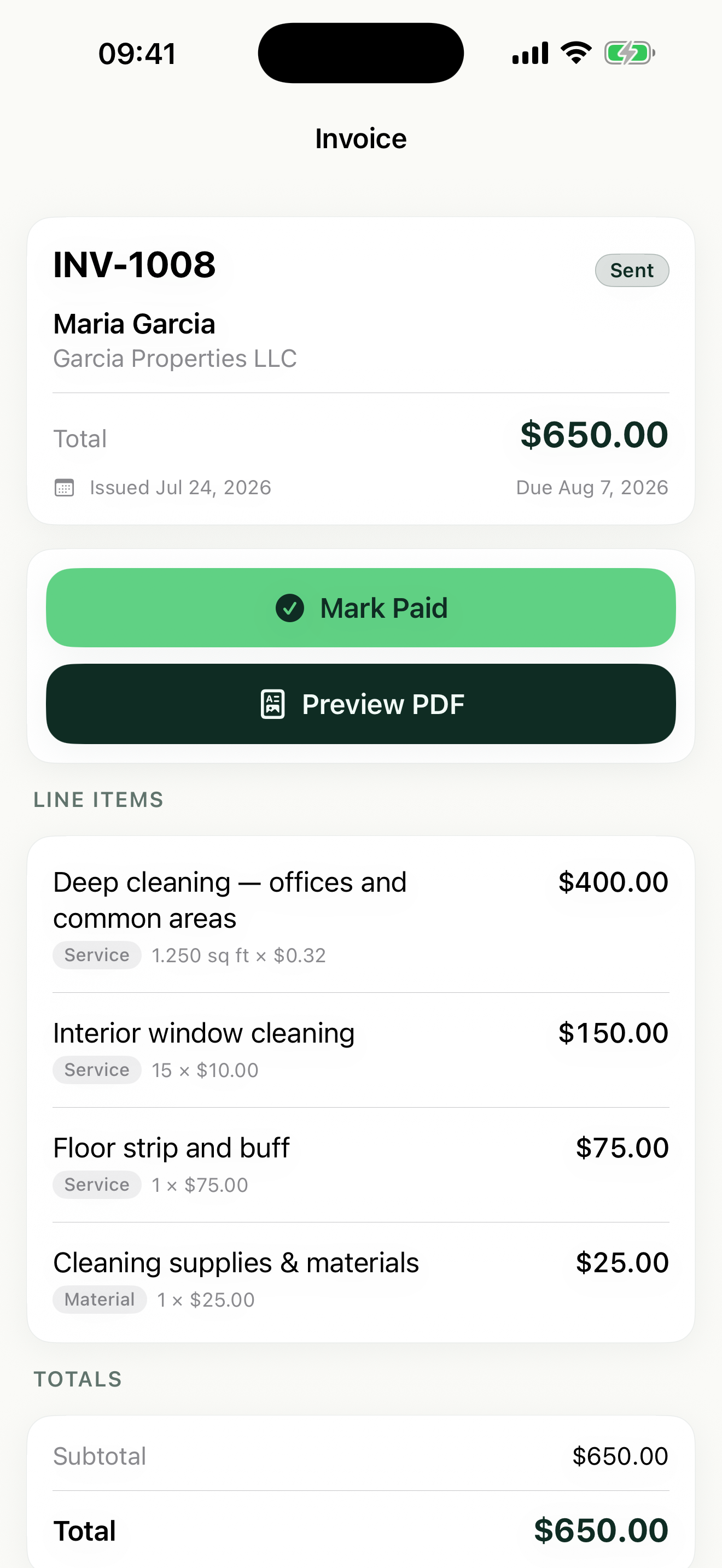
- Turn a completed job into an invoice — the line items carry over
- Create standalone invoices too — no estimate or job needed
- Mark invoices paid and see what's still outstanding at a glance
- Overdue and awaiting-payment invoices tracked on the follow-up screen
Line items & pricing
Price work the way your trade prices it
Real units, not just totals
Flat rate, each, hour, square foot, square yard, linear foot, day — or define your own custom unit. Enter the quantity and rate; Revenuor does the math.
Saved line items
Save the services you sell every week. Suggestions appear as you type, so a five-line estimate takes seconds instead of minutes.
Per-line-item tax
Mark individual lines taxable or not. Taxable labor and non-taxable materials sit on the same document with correct totals.
- Flat rate
- Each
- Hour
- Square foot
- Square yard
- Linear foot
- Day
- Custom unit
Working out what to charge? Try the free service price calculator.
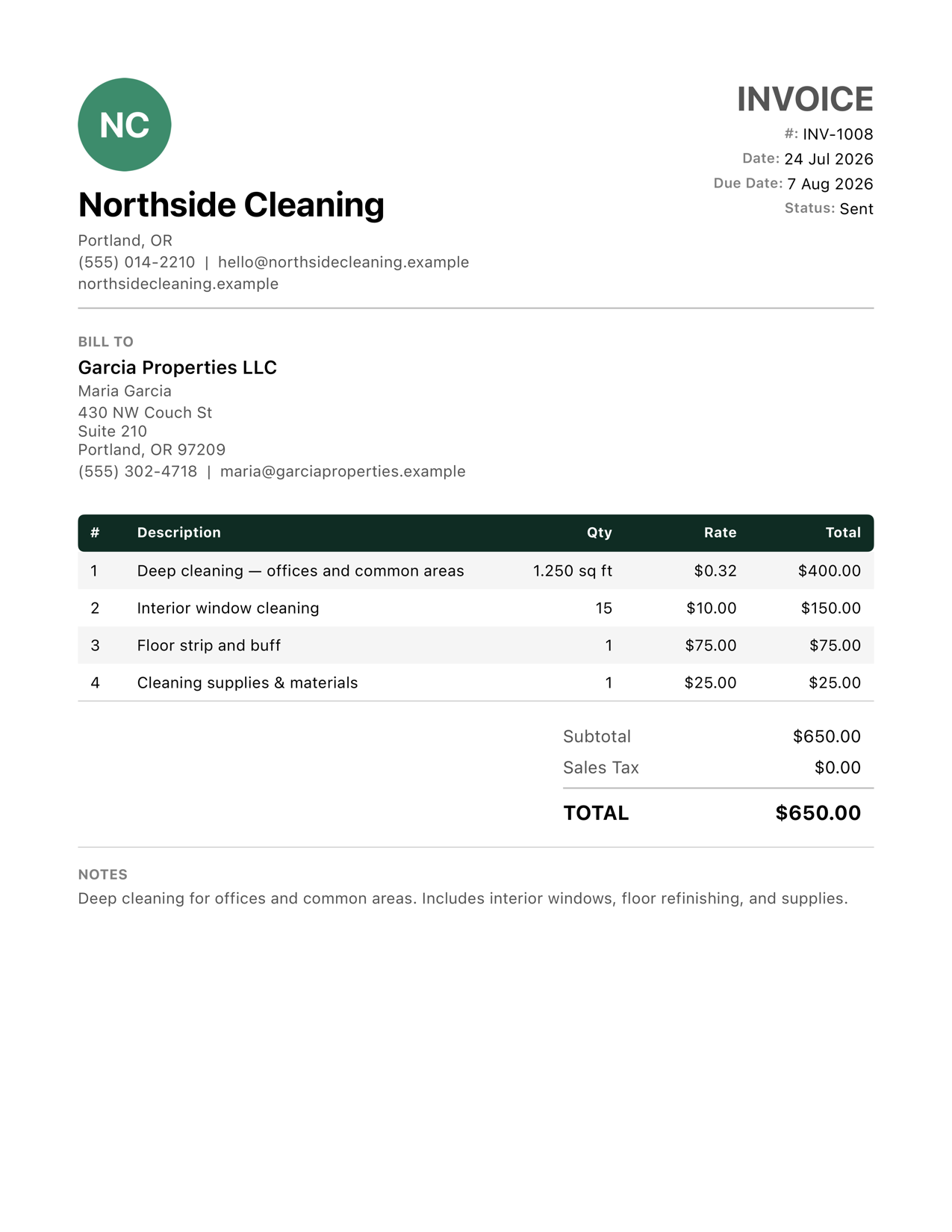
PDF output
Every document, ready to send
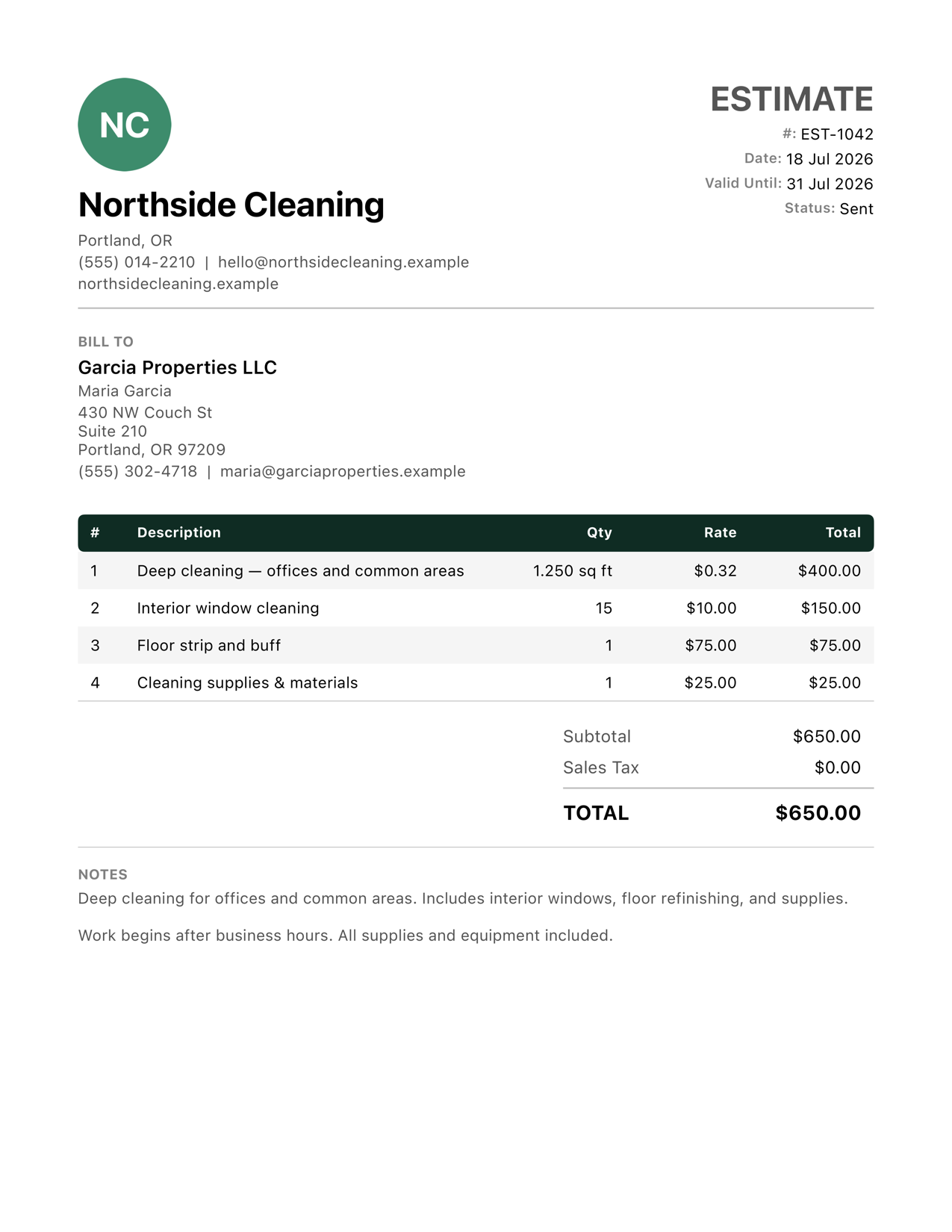
Estimates and invoices become clean, itemized PDFs with your logo, the client's billing details, unit-aware line items, and per-line tax. Preview first, then share by text, email, or anything in your share sheet.
Clients & activity
Keep client details in the app and see each client's recent estimates, jobs, and invoices before you pick up the phone.
Follow-up dashboard
Today's jobs, upcoming work, overdue invoices, awaiting payment, and expiring estimates — one screen, checked in ten seconds.
Local-first, no account
No sign-up, no login. Your data is stored on your iPhone or iPad, and the app works on both.
See it on your own jobs
The fastest way to evaluate Revenuor is to build a real estimate with it. Download the app and quote your next job.
Download on the App Store