
For solo renovation and repair pros
Estimates, scheduling, and invoices for renovation and repair work
Quote the refresh in phases, schedule the work week by week, and invoice at completion — all from your iPhone or iPad.
For iPhone and iPad. No account required.
Estimates, jobs, and invoices for renovation & repairs
Phase the estimate so clients can follow it
List demo, drywall, flooring, and finish work as separate line items with their own prices. A homeowner who understands the quote approves it faster — and disputes it less at the end.
Price each phase in the unit that fits
Flooring by the square foot, drywall patches at a flat rate, tile labor by the day, small fixes by the hour. Mix units freely and let Revenuor do the math.
Estimate first, invoice at completion
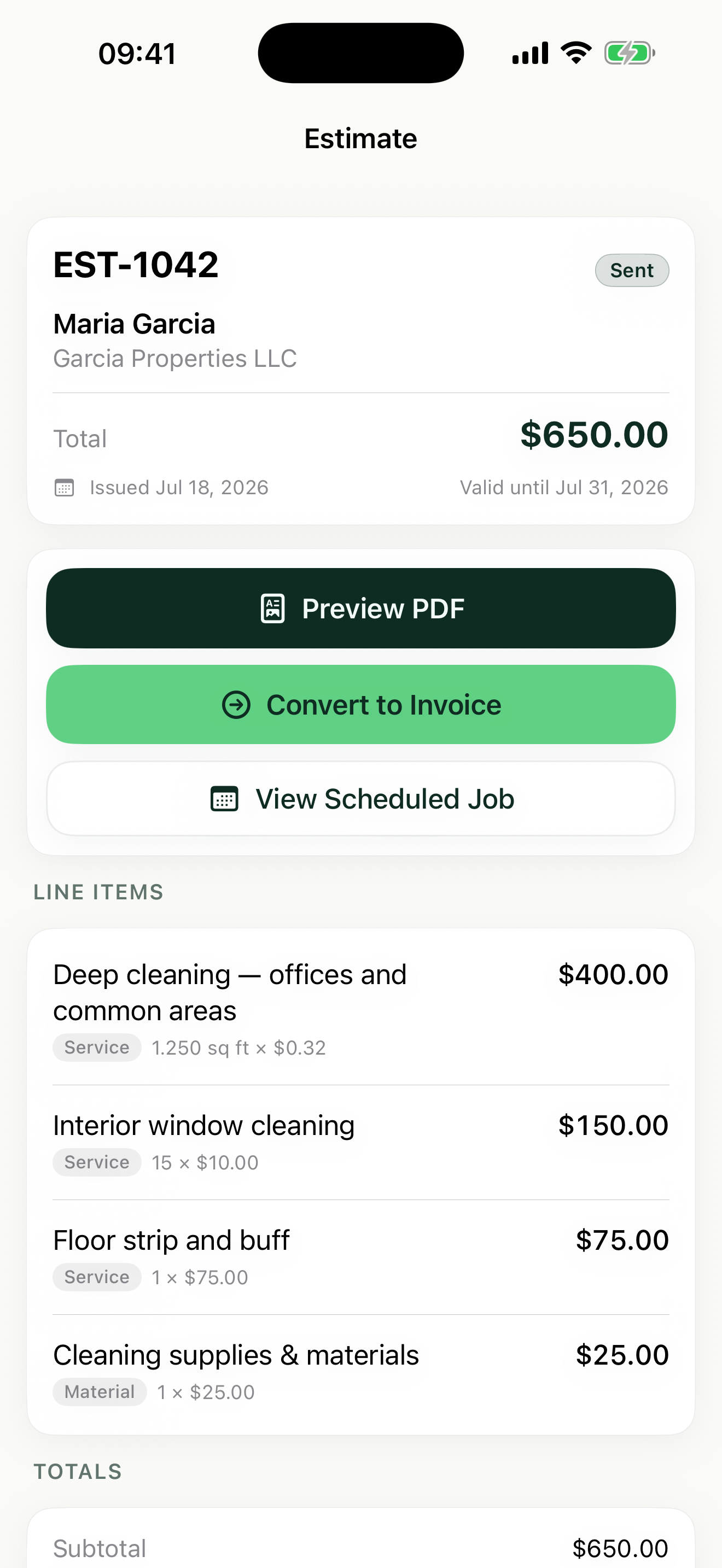
Share the estimate PDF before you start, convert it to a scheduled job when the client approves, and convert the job to an invoice after the final walkthrough.
How Revenuor fits your workday
Estimates built at the walkthrough
Walk the bathroom, add line items as you go, and share a professional PDF with your logo before you get back in the truck. Set an expiration date so stale quotes close themselves out.
Saved line items for repeat scope
You quote the same things constantly — vanity swap, subfloor repair, LVP install per square foot. Save them once and Revenuor suggests them as you type the next estimate.
Week and month views for multi-day refreshes
A kitchen refresh spans days; a drywall repair takes a morning. Schedule both in the same calendar so the small jobs fill the gaps between the big ones.
Client history at a glance
Store client details and see each client's recent estimates, jobs, and invoices. When last year's bathroom client calls about the kitchen, you have the context in front of you.
Built for your workday
Common jobs renovation & repairs businesses estimate and invoice with Revenuor:
Frequently asked questions
Can I break a renovation estimate into phases?
Yes. Add a line item for each phase — demo, rough work, finishes — with its own price and unit. The client sees the whole scope itemized on one professional PDF.
Can I invoice when the job is finished instead of upfront?
Yes. The normal flow is estimate, then scheduled job, then invoice at completion. Convert the job to an invoice after the final walkthrough and share the PDF on the spot.
What about small repairs that do not need an estimate?
Skip it. Create a manual job for the repair, or go straight to an invoice when the fix is done the same day.
How do I handle materials on the quote?
Add materials as their own line items, with tax applied per line where it applies, and keep labor separate. Totals are calculated automatically.
Does Revenuor work on iPhone and iPad?
Yes. Revenuor is a native app for iPhone and iPad — quote in the room you are standing in, plan the week from the couch.
Do I need an account to use it?
No. There is no sign-up and no login. Download the app and create your first estimate right away — your data is stored locally on your device.
Send a better renovation & repairs estimate today
Download Revenuor for iPhone and iPad. No account, no setup — your first professional estimate is minutes away.
Download on the App StoreExplore more industries
Residential Cleaning
Quote deep cleans and move-outs, schedule your week, and invoice from your phone.
Janitorial Services
Estimate office cleaning and floor care, keep job notes per location, and invoice after each service.
Handyman Services
Quote repairs on the spot with labor and materials as separate line items.
Painting
Estimate rooms by square footage, split labor and materials, and invoice after the final walkthrough.
Lawn Care
Quote yards by the square foot, schedule mowing weeks, and invoice from the truck.
Pressure Washing
Price driveways and siding by square footage and send the invoice the same day.