
Free tool · No sign-up required
Job Profit Calculator
See what a job really earned after labor, materials, overhead, fees, and rework — and check a quote before you send it.
Everything stays in your browser — nothing you enter is sent to or stored on our servers.
Pricing the next job? Use the service price calculator, or get Revenuor for iPhone & iPad.
Start from an example setup:
Example inputs are for demonstration. Use your actual revenue, hours, costs, and overhead.
Compare to your estimate
Enter what you planned, and see where the job drifted.
- Revenue vs plan
- Worker-hours vs plan
- Labor cost vs plan
- Materials vs plan
- Profit vs plan
- Net revenue
- Total job cost
- Gross contribution
- Margin / markup
- Revenue per worker-hour
- Profit per worker-hour
- Target profit
- Over / under target
Revenue
- Change orders
- Discounts
- Refunds / credits
- Sales tax (excluded)
- Net operating revenue
Labor
- Payroll burden
Other costs
- Materials (incl. waste)
- Fuel & equipment
- Subcontractors
- Permits, disposal & other
- Processing fees
- Rework materials
- Overhead allocation
- Total job cost
Where the money went
Keep the full job together
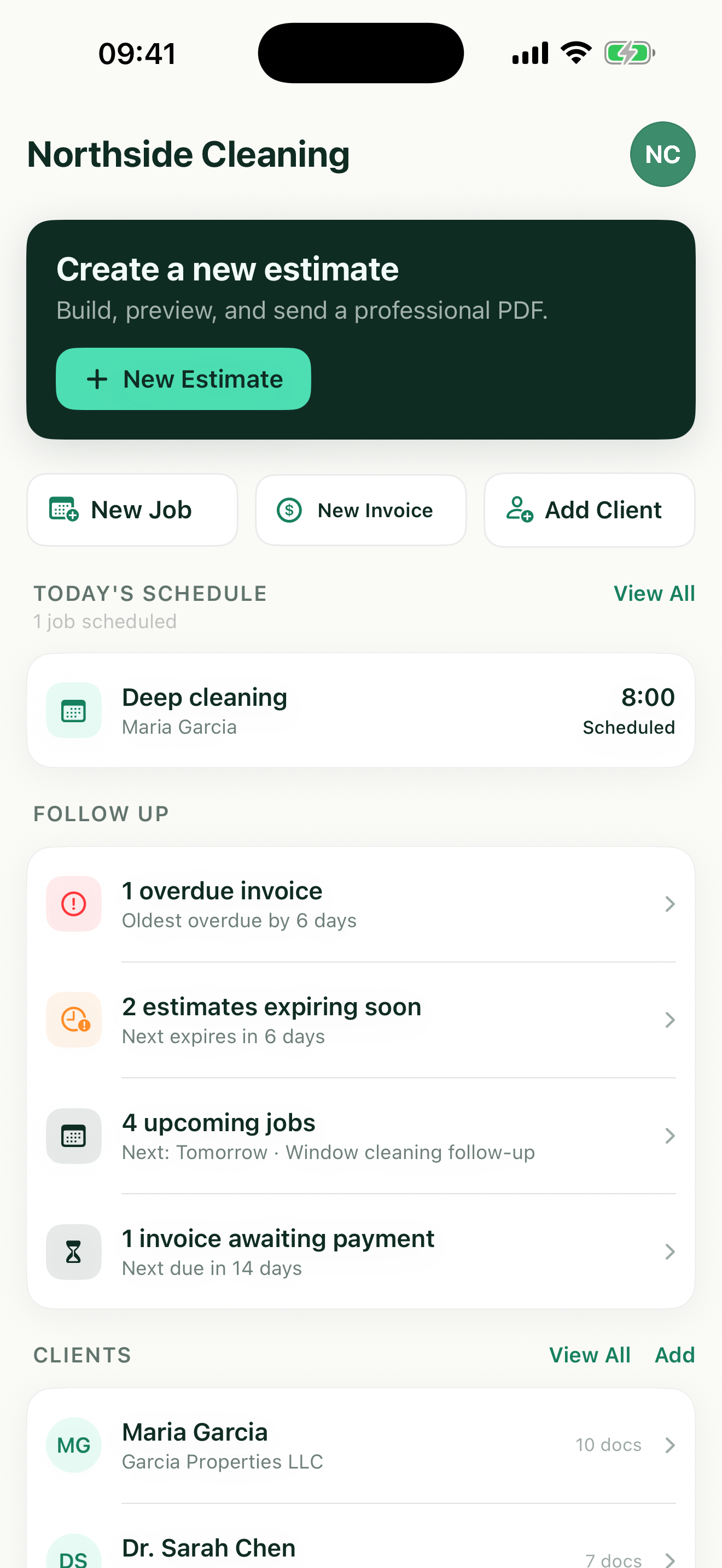
Revenuor keeps the estimate, the scheduled job, the invoice, and what was paid together on your iPhone or iPad — so the numbers this calculator needs are always one tap away. Pricing the next one? Try the hourly rate calculator or the free estimate generator.
Download on the App StoreWhy job revenue is not job profit
The invoice is where the math starts, not where it ends
A $650 job feels like $650 until the costs line up: burdened labor, your own hours, materials with waste, fuel, equipment wear, card fees, and the job's share of overhead. What's left is the real number — and it's the one that decides whether the business works.
Owner time is a cost, not a rounding error
The hour you spent quoting, inspecting, or filling in for a no-show is an hour with real value. Jobs that only look profitable because your time was counted at zero are quietly paying the customer with your evenings.
Unbilled time is the silent leak
Driving there, setting up, cleaning up, and the admin around the job are hours the job consumed even though no line item shows them. Count them once — either inside your labor hours or in the travel/setup/admin fields — and never twice.
Gross contribution vs. true profit
Net revenue minus labor and direct costs is the job's contribution — what it hands the business before overhead. True profit is what survives after the job also carries its share of insurance, software, the truck, and marketing. A job can contribute and still lose.
Rework, discounts, and fees are profit events
A callback adds cost with no revenue. A discount removes revenue with no cost relief. Card processing quietly takes its percentage of everything you collect. Each one lands directly on the profit line, which is why the calculator shows them separately.
Collected sales tax was never yours
Tax you collect passes through to the tax authority. Leave it in your revenue and every job looks better than it is — the calculator excludes it by default.
Compare to the estimate, then fix the estimate
The planned-vs-actual panel shows where a job drifted: hours over, materials under, profit short. The fix for an unprofitable job is almost never cutting corners — it's carrying what you learned into the next quote. That's the loop: price it, do it, measure it, price the next one better. And the break-even calculator shows how many jobs that margin needs to cover your fixed costs.
A note on the numbers
This is a pricing and job-costing aid, not accounting or tax advice. Margin here is profit over net revenue; markup is profit over cost — the calculator always shows both. And the profit margin calculator converts margin and markup instantly.
Six jobs, six different verdicts
The same revenue can hide very different profit — these are the patterns to look for.
Profitable cleaning job
Tight hours, low materials, sensible overhead share — the margin holds and the effective hourly rate beats the target.
Underpriced painting job
The quote missed prep time. Hours ran over, and the planned-vs-actual panel shows exactly where the profit went.
Pressure washing with rework
A callback added hours and chemicals with zero new revenue — rework shows up as its own line for a reason.
Lawn-care route stop
Small revenue, small costs — per-visit profit and profit per worker-hour tell you if the stop earns its place on the route.
Handyman service call
Short billable time, real travel time. The effective hourly rate including unbilled hours is the honest number.
Mobile detailing job
Products, fuel, and card fees nibble a small ticket — per-unit metrics show what each detail really returns.
Pricing the next job? The service price calculator builds the quote, and the free invoice generator bills it.
Measure the job once. Keep every job together.
Revenuor keeps the estimate, the scheduled job, the invoice, and what was paid in one place on your iPhone or iPad — the history this calculator's inputs come from.
- Create the estimate
- Schedule the job
- Create the invoice
- Mark it paid
- Client details and job history together
- Follow up on unpaid invoices
Frequently asked questions
Is the job profit calculator free?
Yes. The calculator is completely free, with no sign-up and no limit on how many jobs you check.
Is my job data stored?
No. Everything you enter — revenue, hours, costs — stays in your browser. Nothing is sent to or stored on our servers, and the numbers are gone when you leave the page.
What is the difference between revenue and profit?
Revenue is what the customer paid; profit is what's left after every cost of doing the job — burdened labor, your own time, materials, travel, fees, rework, and an overhead share. A $650 job with $451 of true cost earned $199, not $650.
Should sales tax count as revenue?
No. Collected sales tax passes through the business to the tax authority — it's not yours. The calculator excludes it from operating revenue by default so it can't inflate profit.
How should I value owner labor?
At a real rate, not zero. If you spent two hours on the job, price those hours at what your time is worth — otherwise "profitable" jobs are quietly paid for with free owner time. Our hourly rate calculator can help you pick the number.
Should travel and admin time be included?
Yes, when it's attributable to the job — driving there, setup, quoting, and paperwork are hours the job consumed. Enter them separately, or tick the box saying they're already inside your labor hours so nothing gets double counted.
How do I allocate overhead to a job?
Pick one method: a fixed dollar amount per job, an hourly overhead rate applied to the job's worker-hours, or a percentage of revenue. Overhead covers costs no single job owns — insurance, software, rent, vehicles, marketing.
What is gross contribution?
Net revenue minus labor and direct costs — what the job contributes before overhead. A job can have positive contribution and still be a loss once its overhead share lands.
What is profit margin?
Profit as a percentage of net revenue. A $199 profit on $650 of net revenue is a 30.6% margin.
What is markup?
Profit as a percentage of cost. The same $199 profit on $451 of cost is a 44.1% markup. The calculator always shows both.
How do callbacks and rework affect profit?
Directly: rework hours and materials add cost with no new revenue. The calculator shows rework as its own line so you can see exactly what a callback cost the job.
How do payment-processing fees affect profit?
Card fees typically run around 3% of the amount charged plus a fixed per-transaction fee — real money on every job. Enter your processor's rates and the fee shows up as its own cost line.
How do I compare estimated and actual job profit?
Open the planned-vs-actual panel, enter what you quoted and expected, and the calculator shows the variances — where hours ran over, materials ran under, and what happened to profit.
What should I do if a job was unprofitable?
Find the leak before changing the price: was it unbilled time, rework, a discount, underestimated hours, or missing overhead? Fix the estimate assumptions for next time — the answer is usually better pricing, not cutting corners.
Can Revenuor track job profit automatically?
Not today. Revenuor keeps the estimate, scheduled job, invoice, and paid status together on your iPhone or iPad — so your invoice totals and job history are easy to pull into this calculator, but it doesn't compute per-job profit itself.